

HOVERair X1 PRO MAX - How to download video and image files
This quick Windows 11 walkthrough shows the simplest way to connect the drone, open its storage, and copy your footage to your PC.
Using Windows 11 on PC
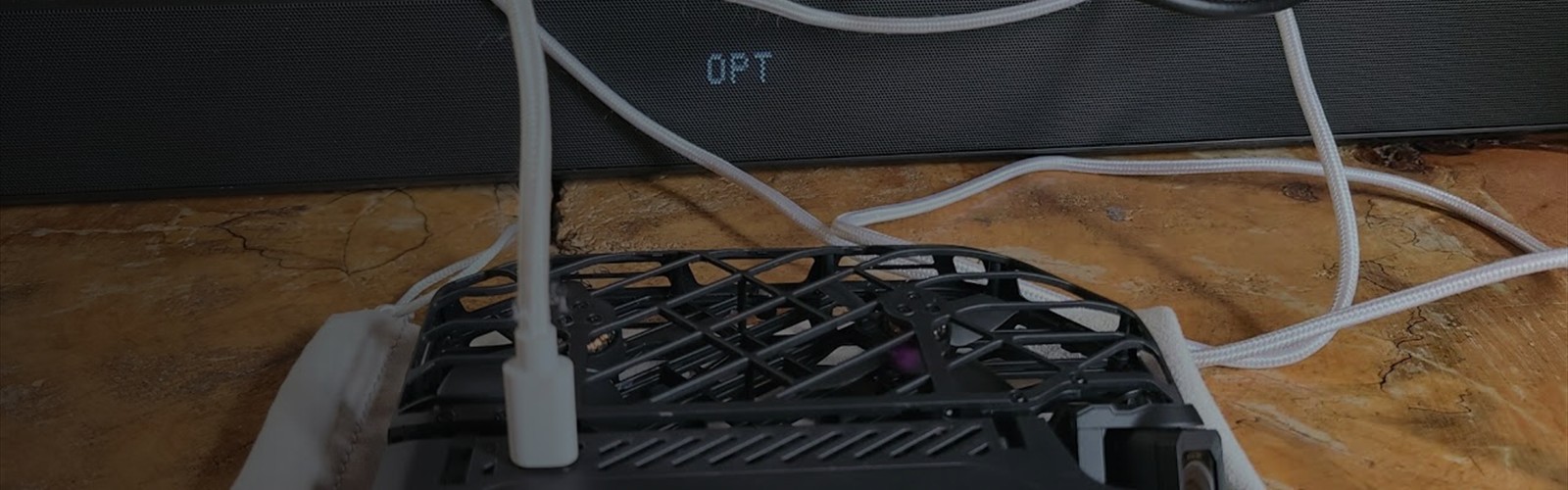
- Plug a USB-C cable into the drone and your PC.
- Power on the drone so the storage becomes available.
- Open File Explorer and browse to the HOVER_X1 drive.
- Copy the video and image files to the folder where you want to keep them.
If the drive does not appear right away, give Windows a moment to detect it before reconnecting the cable or restarting the drone.